







The 8 Best Small Business ERP Systems for 2026

Running a small business means juggling inventory, sales, finances, and more, all at once. The right ERP software for small business brings everything into one place, helping you stay organized and efficient. By automating key tasks and breaking down data silos, it can save time, boost margins, and set you up for growth. Below, we break down 8 top ERP systems to consider, from flexible cloud solutions to scale-ready platforms.
Here's why it matters: a 2024 Intuit QuickBooks survey of US businesses with 10 to 99 employees found that respondents spend about 25 hours a week on manual data entry and reconciling data across apps, and 95% report challenges with their current digital tools. That's a whole lot of time you could win back. If your day still starts with wrangling spreadsheets, the right system can hand those hours back to your team.
Methodology: The best small business ERP software is easy to use, scalable, and offers automation for business processes. We compiled this list by reviewing an array of ERP solutions specifically designed or suited for small businesses. This list also includes a variety of on-premise, cloud, and hybrid solutions for businesses with varying data security needs.
Key Takeaways
- The best ERP software for small business is affordable, cloud-based, quick to implement, and scales with you.
- Cloud is now the default: about 78.6% of new 2024 ERP deployments chose cloud (up from 64.5% in 2023).
- Expect small-business ERP licenses to average roughly $1,740/month, with implementation costs on top.
- Most small businesses go live in 3 to 9 months, depending on complexity.
- Our top pick for product sellers: Cin7, an easy, affordable ERP-for-small-business (inventory-first) platform.
What Is a Small Business ERP?
A small business ERP is an all-in-one software platform that connects finance, inventory, customer data, and operations so a smaller team can run all of it from one place. So, what is an ERP exactly? An ERP, or Enterprise Resource Planning system, is essentially an all-in-one software solution for managing various aspects of your company. Imagine having finance, inventory, customer data, and even HR all working together seamlessly.
A small business ERP caters specifically to the needs of smaller companies. This means it's designed to be more affordable, easier to implement, and manageable with fewer resources.
Benefits of an ERP System for Small Businesses
Since an ERP system streamlines critical functions like accounting, inventory, customer relations, and HR, it can be a game-changer for small businesses. The best small business ERP systems save time, reduce errors, and provide valuable insights to help smaller companies grow.
Some other benefits include:
- Improved productivity: An ERP automates tedious tasks like data entry and order processing, freeing up employees to focus on higher-value activities that drive sales and growth.
- Quick reporting: An ERP system provides real-time data and customizable reports. This allows you to track everything from inventory levels to sales performance and make data-driven decisions faster.
- Better growth opportunities: By giving you a consolidated view of your business health, an ERP can help you identify areas for improvement and capitalize on new opportunities. For example, you can use sales data to target specific markets or optimize inventory levels to avoid stockouts.
- Accurate data management: Say goodbye to scattered spreadsheets. An ERP creates a single source of truth for all your business data, eliminating errors and inconsistencies that can lead to costly mistakes.
- Compliance: An ERP can help ensure you stay compliant with ever-changing tax laws and industry regulations by automating reporting and streamlining data collection.
- Increased flexibility: Many ERP systems are cloud-based, allowing you to access your data and manage your business from anywhere, on any device. This scalability also makes it easier to adapt to changing needs as your business grows.
Small Business ERP vs Enterprise ERP
The short answer: a small business ERP is right-sized, while an enterprise ERP is built for scale you probably don't need yet. Enterprise systems pack in deep customization and heavyweight modules, but they come with big price tags, long installations, and IT teams to match. A small business ERP flips that script. It's more affordable, quicker to install, and simple enough to manage without a dedicated IT department.
Here's the trade-off in plain terms. Enterprise ERP wins on customization and complexity, but you pay for it in cost and time. Small business ERP wins on speed, price, and usability, with just enough flexibility to grow into. For product sellers, an inventory-first ERP for small business like Cin7 hits the sweet spot: you get serious operational muscle without the enterprise overhead. Right-sized beats oversized every time.
What to Look for in ERP Software for Small Business
Before you shortlist vendors, get clear on the capabilities that actually move the needle for a smaller team. You don't need every enterprise bell and whistle, you need the handful of features that keep orders flowing and books balanced. Here's what to prioritize:
- Inventory and order management: Real-time stock visibility across every channel and location is the core of any inventory management system. This matters most for product sellers.
- Accounting integration: Look for native connections to tools like QuickBooks and Xero, so you're not forced to rip out finance software you already trust.
- Real-time reporting: Dashboards that surface sales, margins, and stock levels help you make decisions in minutes, not hours.
- Cloud access: A cloud-based system lets you run the business from anywhere and skip the hardware and IT overhead.
- Ease of use: If your team won't adopt it, it won't work. Prioritize an intuitive interface and short onboarding.
- Scalability: Pick a platform that adds users, channels, and warehouse management capabilities as you grow, without a costly re-platform.
The Best Small Business ERP Systems
Finding the right ERP system can make all the difference for a small business looking to grow with confidence. These solutions bring together essential tools (like inventory, accounting, and customer management) into one easy-to-use platform. To help you choose, we've highlighted the best ERP systems designed to streamline operations and support long-term success.
| System | Best For | Deployment | Starting Price |
|---|---|---|---|
| Cin7 | Product sellers (inventory-first) | Cloud | From $349/mo |
| Microsoft Dynamics 365 Business Central | Microsoft-based small businesses | Cloud | From $80/user/mo |
| NetSuite | Fast-scaling businesses | Cloud | Contact for pricing |
| Acumatica | Flexible deployment needs | Cloud, on-premise, hybrid | Contact for pricing |
| IFS Cloud | Multi-industry operations | Cloud, on-premise, hybrid | Contact for pricing |
| Odoo | Budget-conscious customizers | Cloud, on-premise, hybrid | $0 to $61/user/mo |
| QuickBooks | Finance-first small businesses | Cloud | $38 to $340/mo |
| Sage Intacct | Finance-heavy, multi-entity | Cloud | Contact for pricing |
1. Cin7
Best for product sellers (inventory-first). Cin7 is our top pick for product sellers: it's inventory management software (an ERP for small business, or ERP lite) built for the needs of scaling small and midsize product-selling businesses with the Core solution.
Cin7 also offers the Omni solution for SMBs that need native EDI or 3PL connections or are multi-entity businesses.
Unlike traditional ERP software and other manufacturing solutions, which can be complex and expensive, Cin7 makes planning affordable and easy to use with fast implementation in just a few weeks, compared to the months required by other solutions.
Don't let Cin7's user-friendly interface fool you into thinking it's lacking in features. Cin7 comes packed with advanced tools like warehouse management, point of sale, advanced manufacturing capabilities, real-time inventory tracking, and robust third-party logistics (3PL) management that make it a worthwhile investment.
Pros: Affordable; Easy to use; Designed for small and midsize businesses. Cons: Doesn't provide HR functionality.
Features:
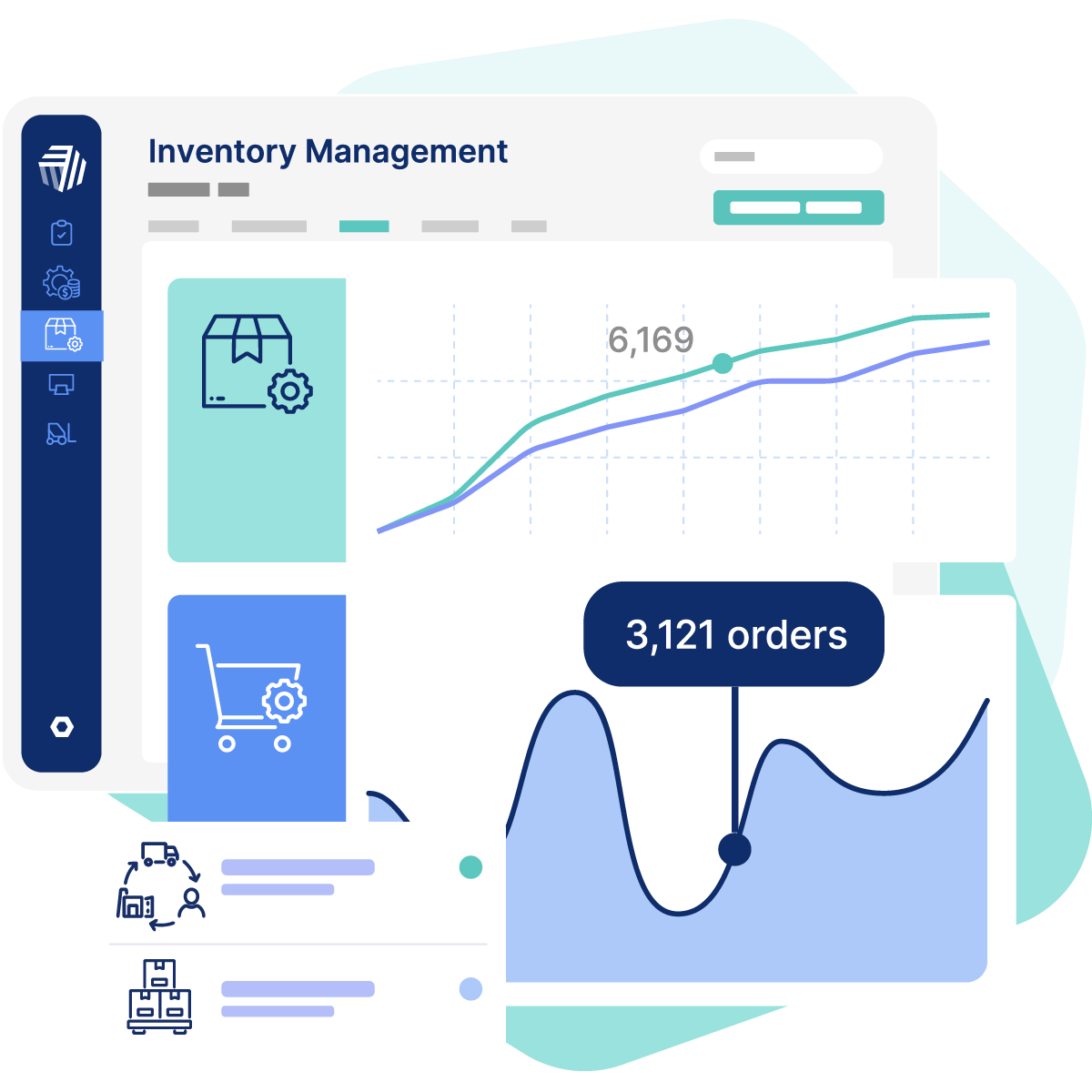
- Centralized system: Unify your team with a centralized system for all your data, giving each team member real-time visibility into every product and order at every stage. This eliminates information silos and improves collaboration.
- Simplify fulfillment: Manage all your fulfillment needs with a single platform, from direct-to-consumer to B2B, EDI-requiring retailers, or complex 3PL scenarios. Seamlessly integrate distributors, 3PL providers, and your commerce channels.
- Effortless EDI: Fulfill electronic data interchange (EDI) orders easily using an intuitive dashboard and step-by-step guide. No need for specialized EDI expertise.
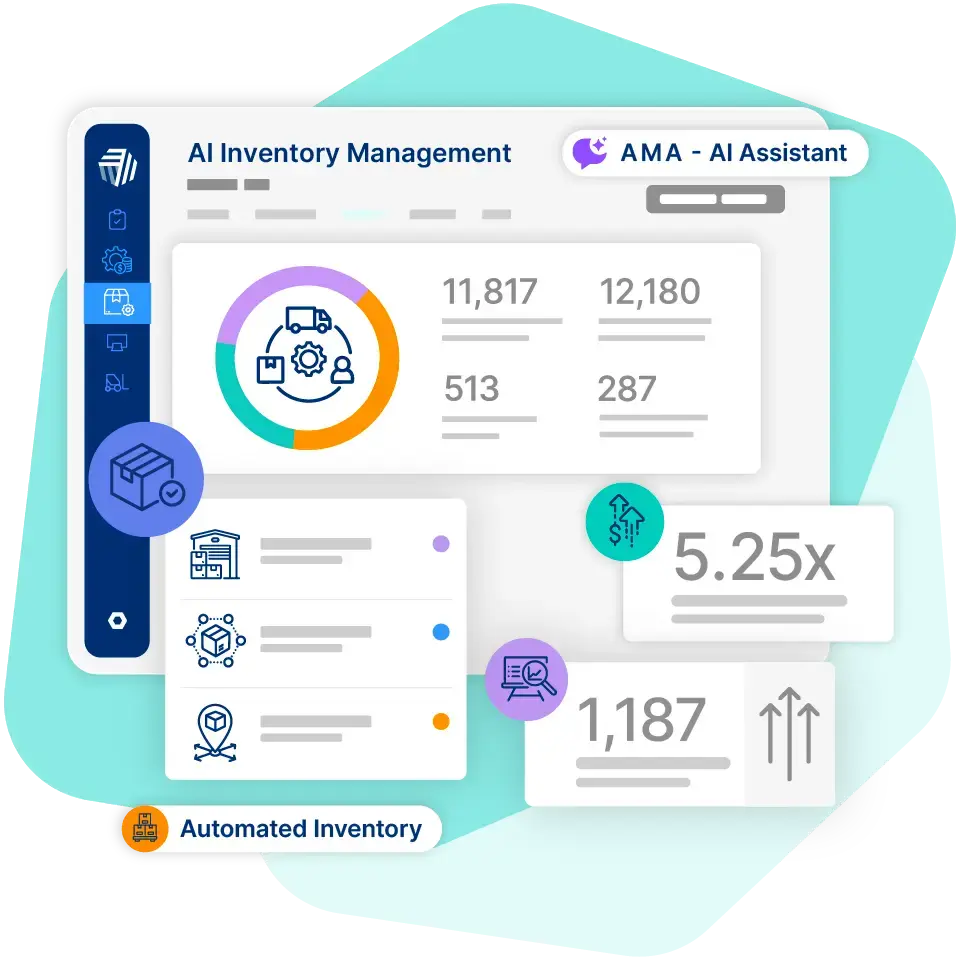
- Smarter with AI: Plan ahead with AI-driven demand forecasting, and get quick answers about your business using Ask Me Anything, Cin7's built-in AI assistant.
- 700+ integrations: Cin7 integrates with leading e-commerce and shipping platforms, CRMs, POS systems (while also offering its own POS app), and more. What's more, Cin7 lets SMBs that don't want to change their accounting system stay on it with seamless integrations to solutions like QuickBooks and Xero.
- Pricing plans: Cin7's rates range from $349/mo for the Standard Core Plan, to $599/mo for the Pro Core Plan and $1,199/mo for the Advanced Core Plan. You can also see full pricing details or contact Cin7 for an Omni quote. Now the question is, Cin7 or traditional ERP: who does it better?
2. Microsoft Dynamics 365 Business Central
Best for Microsoft-based small businesses. Microsoft Dynamics 365 Business Central is a cloud-based ERP software hosted by Microsoft's secure Azure cloud infrastructure. It offers a unified suite of preconfigured processes and integrates seamlessly with other Microsoft products like Outlook, Excel, and Teams to streamline workflows.
With features like real-time business intelligence through Power BI and an app source ecosystem for industry-specific add-ons, Business Central allows you to tailor the system to your unique needs. It's best for small businesses that process up to 500 transactions per day.
Pros: Automated workflows; Integrates with Office 365 and other Microsoft products. Cons: Customizations can make the system slow; Can be difficult to learn how to find the data you need; Doesn't provide in-depth customer management, payroll and HR tasks, or project management features.
Features:
- "Tell Me" search: Instead of wasting time navigating menus, type what you're looking for into the "Tell Me" search bar and the system will redirect you to the relevant function, report, or data.
- APIs and VS Code integration: The system provides access to application programming interfaces (APIs) and integrates with Visual Studio Code (VS Code), a popular coding editor. This allows small businesses to leverage pre-built extensions or tailor the software to perfectly match their unique workflows.
- AI-powered workflows: Streamline repetitive tasks and optimize processes like automating your inventory reordering or streamlining invoice processing. It can also automate billing and accounting tasks to cut down on time spent on manual data entry.
- Pricing plans: Microsoft's list pricing effective November 1, 2025 is $80/user/mo for the Essentials Plan and $110/user/mo for the Premium Plan (up from $70 and $100), with lighter Team Member and Device licenses also available.
3. NetSuite
Best for fast-scaling businesses. With robust accounting, order processing, inventory management, and even production and supply chain tools, NetSuite seamlessly integrates everything your business needs into a single cloud-based platform. It's made for companies looking to scale to a larger organization or enterprise level.
NetSuite also offers pre-built dashboards and reports tailored to different user roles, providing a clear understanding of key performance indicators (KPIs). It also allows for a phased implementation approach so businesses can adjust the system to their specific needs and gradually add functionalities as they grow.
Pros: Easy to navigate; Broad features to suit a range of companies. Cons: Customer support may be limited; Simple reports limit customization.
Features:
- Financial management: NetSuite automates processes like accounts receivable (AR), accounts payable (AP), and tax management. It also has a comprehensive general ledger and real-time cash flow insights for a clear understanding of financial health.
- Warehouse management: The software utilizes radio frequency (RF) devices to streamline tasks like putaway and picking to cut down on manual data entry and misplaced stock. Wave management and cartonization further optimize order fulfillment.
- Scalability: NetSuite is designed to grow alongside your small business. The modular approach allows you to start with the functionalities you need most, like robust accounting or efficient inventory management. As your business expands, simply add new modules without costly upgrades or data migrations. If you're still not sold, keep reading for NetSuite alternatives.
4. Acumatica
Best for flexible deployment needs. To accommodate businesses with varying data security preferences, Acumatica provides multiple deployment options: cloud-based, on-premise, and hybrid. It can work as a manufacturing ERP or function for other specific industries like retail or distribution.
The manufacturing platform has powerful customization tools for reports and dashboards, ensuring everyone has the real-time insights they need to make informed decisions in their specific role. With advanced features like project accounting and a digital document system, Acumatica is a good choice for small businesses with big aspirations.
Pros: Unlimited users; Mobile-device friendly; Multiple deployment options. Cons: Limited email integration; Limited user interface personalization.
Features:
- Project accounting: This built-in feature simplifies complex billing and ensures accurate cost tracking for projects of all sizes.
- Full relational database export: Acumatica's automatic backups and snapshot feature (copy complete or partial company data) ensure you can always access your data. This simplifies data migration and gives you the flexibility to move to another system if needed.
- Mobile-friendly: You don't need an additional app to use Acumatica from any device, anywhere. It's designed to resize every page and every screen to whatever device you're using.
5. IFS Cloud
Best for multi-industry operations. IFS Cloud offers a comprehensive suite that works for a wide range of industries. Lobbies provide customizable dashboards with information specific to your industry and role.
What sets it apart is cutting-edge technology like AI and machine learning (ML) to optimize processes and empower data-driven decision-making. You can automate repetitive tasks, optimize production schedules, and even predict customer needs. These features help give small businesses an edge in operating with greater efficiency and agility.
Pros: AI and ML features; Adaptable for a range of industries; Multiple deployment options. Cons: May have a steep learning curve; Less intuitive user experience.
Features:
- Remote assistance: IFS Cloud integrates augmented reality (AR) video calls, allowing real-time remote assistance across service, maintenance, and other areas for faster issue resolution.
- Machine learning: Leverage embedded machine learning for demand planning and sales opportunity scoring. The model uses AI to explain the reasoning behind ML outputs.
- Branded experience: You can personalize the user interface with your brand colors, logo, and other imagery across touchpoints within IFS Cloud.
6. Odoo
Best for budget-conscious customizers. Odoo offers an open-source ERP system that's highly customizable and remarkably affordable. Its modular designer lets you choose only the functionalities you need.
Plus, Odoo's commitment to open-source development fosters a community with a wealth of resources, ensuring the system stays innovative and adaptive to evolving business needs. The Standard plan is an online deployment, but on-premise and hybrid deployment options are available with the Custom plan.
Pros: Affordable, straightforward pricing; Designed for small businesses. Cons: Limited customer support; Requires a higher level of customization.
Features:
- Odoo Studio: Available with the Custom Plan, Odoo Studio lets users automate tasks, design custom screens and reports, and even create webhooks.
- Boundless business apps: Odoo's open-source development model has led to the world's largest business app store with over 40,000 community-built apps. There's a pre-built solution for nearly any business need.
- Sales templates: Odoo streamlines the sales process with pre-built templates for professional quotes. Generate polished proposals in minutes, complete with clear pricing customers can easily review and accept.
- Pricing plans: Per Odoo's US pricing, you can start with a single app free for $0, pay about $24.90/user/mo for the Standard Plan (roughly $31.10 at list), or about $49/user/mo for the Custom Plan (roughly $61 at list), billed annually. Odoo sets prices by country and updates them periodically, so confirm your current rate.
7. QuickBooks
Best for finance-first small businesses. While not a full-fledged ERP software, QuickBooks can be a decent option for small businesses that specifically need finance features. It addresses key needs for small businesses, including accounts payable management, streamlined tax processes, bank reconciliation tools, and in-depth reporting.
It also offers some inventory management features like monitoring the cost of goods, tracking product levels, and receiving automated inventory notifications. This can offer small business owners a user-friendly way to manage basic finance and inventory needs.
Pros: Excellent finance features. Cons: Limited customer support; Not a full ERP.
Features:
- Receipt management: Snap photos of receipts on your smartphone for easy expense tracking.
- Comprehensive tracking: Gain a clear understanding of your business health with detailed tracking features that let you monitor income, expenses, mileage, invoices, project profitability, and more.
- Tax categories: Maximize your tax deductions with QuickBooks' automated expense categorization. The software automatically sorts your business expenses into the appropriate tax categories, ensuring accurate records and simple tax filing.
- Pricing plans: QuickBooks Online's US pricing runs from $38/mo for the Simple Start Plan to $85/mo for Essentials, $140/mo for Plus, and $340/mo for the Advanced Plan (rates reflect the August 2026 increase).
8. Sage Intacct
Best for finance-heavy, multi-entity businesses. Sage Intacct is a robust, AI-powered ERP system with a modular design so you can choose the functionalities you need most. The cloud-based platform also offers software implementation services to help make your business transition as smooth as possible.
The solution integrates with Salesforce for aligned finance and sales operations, as well as APIs for any other integrations. Membership also includes access to masterclasses, learning resources, certifications, and an active online community.
Pros: Community learning and support; Integrates with Salesforce and APIs. Cons: May be too expensive and complex for small businesses.
Features:
- Accounts payable automation: Free your team from tedious data entry with automated bill entry and payment processing.
- Automated revenue recognition: Sage Intacct takes an automated inventory management approach that handles revenue recognition calculations and ensures compliance with ASC 606 and IFRS 15 standards.
- Multi-entity consolidation: Sage Intacct consolidates financial data across your entire organization for a unified view to manage multiple entities, locations, or subsidiaries with ease.
How to Choose an ERP System for Your Small Business
Choosing the right ERP is crucial for optimizing your business processes. However, with a vast array of options available, selecting the best ERP for your small business can feel daunting. Here are five key tips to guide you through this selection process:
1. Assign an ERP Team
Implementing an ERP successfully requires a collaborative effort. Assemble a cross-departmental team representing departments like finance, sales, inventory, and IT. This team will be responsible for choosing the system, overseeing implementation, and ensuring its smooth adoption across the company.
2. Consider System Factors
Beyond basic functionality, evaluate how the software would serve your small business. Here are some key questions about each element of the software:
- Cost: How much does the system cost upfront and over time (subscriptions, maintenance, etc.)?
- Scalability: Can the solution grow with your business?
- Integrations: Does it integrate with your existing software (e.g., CRM, email marketing)?
- Reporting: Does it offer robust reports and dashboards for informed decision-making?
- Usability: Is it easy for your team to learn and use?
- Accessibility: Can you access the system from anywhere, on any device?
- Security: Does the system have strong data security measures in place?
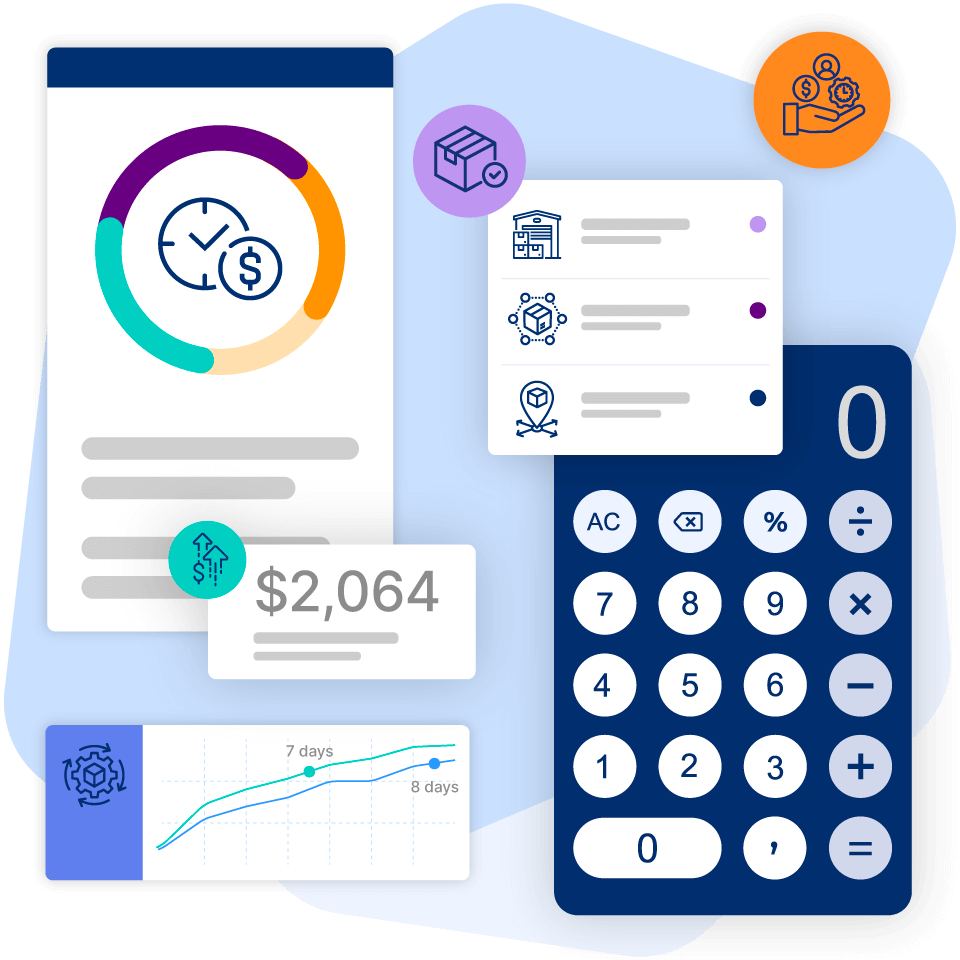
Wondering what all this costs? As a benchmark, advisory site Software Connect reports that small-business ERP software licenses average about $1,740/month for businesses in the $1 to 5M revenue tier. For a business around $1M in annual revenue, that same source puts the realistic range at roughly $1,740 to $4,620/month for the license, with implementation typically an added cost on top (often roughly double the first-year license). To sanity-check the numbers for your own business, try our ROI calculator.
3. Choose a System Type
There are three main types of small business ERPs to consider, each with advantages:
- On-premise: This traditional option installs the software on your servers, giving you complete control over your data. However, maintenance requires a significant upfront investment in hardware and IT expertise.
- Cloud-based: Cloud ERPs are hosted by the vendor and accessible via the internet. This is a popular choice for small businesses due to its affordability, scalability, and minimal IT burden. Your data is secure in the cloud, and updates happen automatically.
- Hybrid: A hybrid ERP is a combination of an on-premise and cloud-based system. This option offers more control than a pure cloud solution but may require more in-house IT expertise than a fully hosted option. Consider a hybrid model if you have specific data security needs or rely heavily on existing on-premise software.
The market has clearly picked a favorite. Among new ERP selections in 2024, about 78.6% chose cloud deployments (up from 64.5% in 2023), a strong vote of confidence in the cloud-first approach. Want the full picture? Read more about cloud ERP vs on-premise ERP.
4. Request a Demo or Free Trial
Don't just pick a system based on features you see listed on their website! Most ERP systems offer product demos or even free trials. This allows your team to test-drive the software and see if it's a good fit for your workflow and user needs. During the trial, identify features you find helpful and areas that might be cumbersome or confusing.
5. Identify Implementation Roadblocks
Be realistic about potential challenges during implementation. Small and midsize businesses typically implement ERP in 3 to 9 months, depending on complexity and customization, so plan your timeline accordingly. ERP systems can be tailored to fit your specific needs, but extensive customization can add time and cost, which is one of the top reasons ERP implementations fail. Another hurdle can be team resistance to change.
If your team doesn't adopt it, it doesn't work. Look for an intuitive interface and role-based access to keep things simple. Your ERP should connect to your other tools (like e-commerce platforms, accounting software, and 3PLs) without extra hassle.
Great software for small business management is only half the story. Reliable support, open communication, and guided onboarding make all the difference in ensuring a smooth transition.
Where AI Fits in Small Business ERP
AI has moved from buzzword to everyday tool inside small business ERP, and it usually shows up in three places. Demand forecasting predicts what you'll need to stock and when. Natural-language assistants let you ask plain-English questions instead of building reports. And automated data capture pulls details off documents so nobody keys them in by hand.
For product sellers, this is where an inventory-first ERP for small business like Cin7 shines. Cin7 ForesightAI runs your sales history through 100+ forecasting algorithms to recommend reorder points and safety stock, and our Ask Me Anything assistant answers questions about your business in plain language. Want to go deeper on the shift toward smarter planning? See our guides to AI demand planning and AI inventory management.
When to Adopt an ERP for Small Businesses
If you're on the fence about whether it's time for an ERP, here are a few telltale signs:
- You're juggling multiple disconnected systems and wasting time on manual updates.
- Inventory discrepancies are becoming a regular issue. You're missing out on orders because you can't see stock in real time.
- Reporting takes hours, not minutes, and you're still unsure about its accuracy.
- Your current system feels like it's holding you back instead of helping you grow.
An ERP isn't just a fix for today. It's a foundation for scaling tomorrow.
Scale Your Small Business with Cin7
As a system specifically designed for the needs of product-selling small and midsize businesses, Cin7 is the ideal ERP-for-small-business solution to help you grow. With robust inventory management, seamless accounting integrations, and other powerful business integration tools, Cin7 can help your business run more efficiently. Explore more tips to assess all your inventory management software needs today!
Take Lofta, a Sorrento Valley, California e-commerce company that sells sleep-apnea and CPAP products. When its ERP vendor was acquired and shut down, Lofta was left with a failed system and a lot of uncertainty. After evaluating Fishbowl, Acumatica, NetSuite, and Cin7, the team chose Cin7 for simple, scalable inventory management, with customizable pick, pack, and ship flows and CPAP device serialization for recalls. The result was simpler, more scalable operations and fewer fulfillment errors.
Whether you're just starting up or actively scaling up, Cin7 is built to grow with you.
Ready to see it in action? Request a demo and we'll show you around.
Frequently Asked Questions
Can Small Businesses Use ERP?
Yes, small businesses can use ERP systems. There are now affordable and user-friendly options specifically designed to meet the needs of small businesses.
How Do I Choose the Best ERP for My Small Business?
The best ERP solution for your small business depends on your specific needs and budget. Consider factors like system features, scalability, cost (including upfront and ongoing fees), and ease of use.
Are ERP Systems Good for Small Businesses?
Yes, ERP systems can be very beneficial for small businesses. They can help you improve efficiency by automating tasks and streamlining workflows, as well as help you make data-driven decisions based on real-time insights.
What Are the Different Types of ERP Systems?
The different types of ERP systems include on-premise, cloud-based, and hybrid. The type you choose depends on your security and accessibility requirements.
How Much Does an ERP System Cost for a Small Business?
Costs can vary depending on features, deployment type (cloud vs. on-premise), and number of users. As a benchmark, small-business ERP software licenses average about $1,740/month for the $1 to 5M revenue tier, with implementation costs on top of the first-year license. Cloud-based ERPs are often more affordable for small businesses, with pricing models that scale based on usage.
What Is the Easiest ERP System to Use?
Many cloud-based ERP systems are designed with user-friendliness in mind, with intuitive interfaces and features that require minimal training. When evaluating different options, request a demo or free trial to see which system feels most comfortable for your team.
Can QuickBooks Be Used as an ERP?
Yes, QuickBooks can be used as an ERP, but it may not offer the full range of functionalities found in a true ERP system, like inventory management, CRM, or advanced reporting.
How Is ERP Different From CRM?
ERP manages core business functions like inventory, accounting, and supply chain. CRM (Customer Relationship Management) focuses on sales, marketing, and customer interactions. ERP supports the full business operation, while CRM is dedicated to strengthening customer relationships.
How Long Does ERP Implementation Take for a Small Business?
Most small and midsize businesses go live in 3 to 9 months, depending on complexity, data cleanup, and how much customization you need. Simpler cloud platforms can be faster.
Is There a Free ERP for Small Business?
Yes. Odoo offers a free single-app tier and an open-source community edition, so you can start without a license fee. The trade-offs are real, though: free options usually mean limited support, more setup effort, and fewer built-in features. Weigh them against your growth plans before you commit.
What's the Difference Between ERP and Accounting Software?
Accounting software (like QuickBooks or Xero) handles your finances: invoicing, expenses, and reporting. An ERP goes wider, connecting finance with inventory, sales, purchasing, and operations in one system. For product sellers, that connected view is where an inventory-first ERP for small business like Cin7 shines.
What Are the Disadvantages of ERP?
The main drawbacks are cost, implementation time, and getting your team on board with new processes. Poor planning and scope creep are common culprits when projects stumble. Choosing a right-sized, cloud-based ERP for small business keeps these risks lower.
Which ERP Has the Best AI Features for Small Business?
Several platforms now build in AI; Microsoft Dynamics 365 Business Central and NetSuite are often cited for embedded AI and analytics. Cin7 brings AI to product sellers with demand forecasting and its Ask Me Anything assistant. The best fit depends on the workflows you want to automate.
What Is SMB in ERP?
SMB stands for small and midsize business. In ERP terms, SMB ERP describes systems sized and priced for smaller teams, with the core capabilities of enterprise software but without the heavy cost, long setup, or dedicated IT department. For product sellers, that often means an inventory-first ERP for small business like Cin7.
Should I Choose Cloud or On-Premise ERP for My Small Business?
For most small businesses, cloud ERP is the simpler choice: there's no hardware to buy, setup is faster, and updates happen automatically. On-premise still makes sense if you have strict data-control requirements or heavy existing infrastructure. That preference for cloud is why about 78.6% of new 2024 ERP deployments chose cloud.
What Features Should a Small Business ERP Have?
Prioritize inventory and order management, accounting integration (think QuickBooks and Xero), real-time reporting, cloud access, ease of use, and room to scale. You don't need every enterprise module, just the handful that keep orders moving and books balanced. Match the feature list to how your team actually works day to day.
Does a Small Business ERP Include AI?
Many now do. AI typically shows up as demand forecasting, plain-language assistants, and automated data capture. Cin7, for example, uses ForesightAI to forecast demand across 100+ algorithms and an Ask Me Anything assistant to answer business questions in plain English.
Shikha Arora
Shikha Arora is a customer-focused SaaS professional with expertise in onboarding, solution architecture, and operational strategy. With a strong passion for building scalable processes and fostering collaboration across teams, Shikha works closely with customers and internal stakeholders to solve operational...
More from the blog
View All Posts
10 Best Manufacturing ERP Software for 2025
Read More
ERP for E-Commerce: Why ERP Lite Is the Smarter Path to Growth
Read More